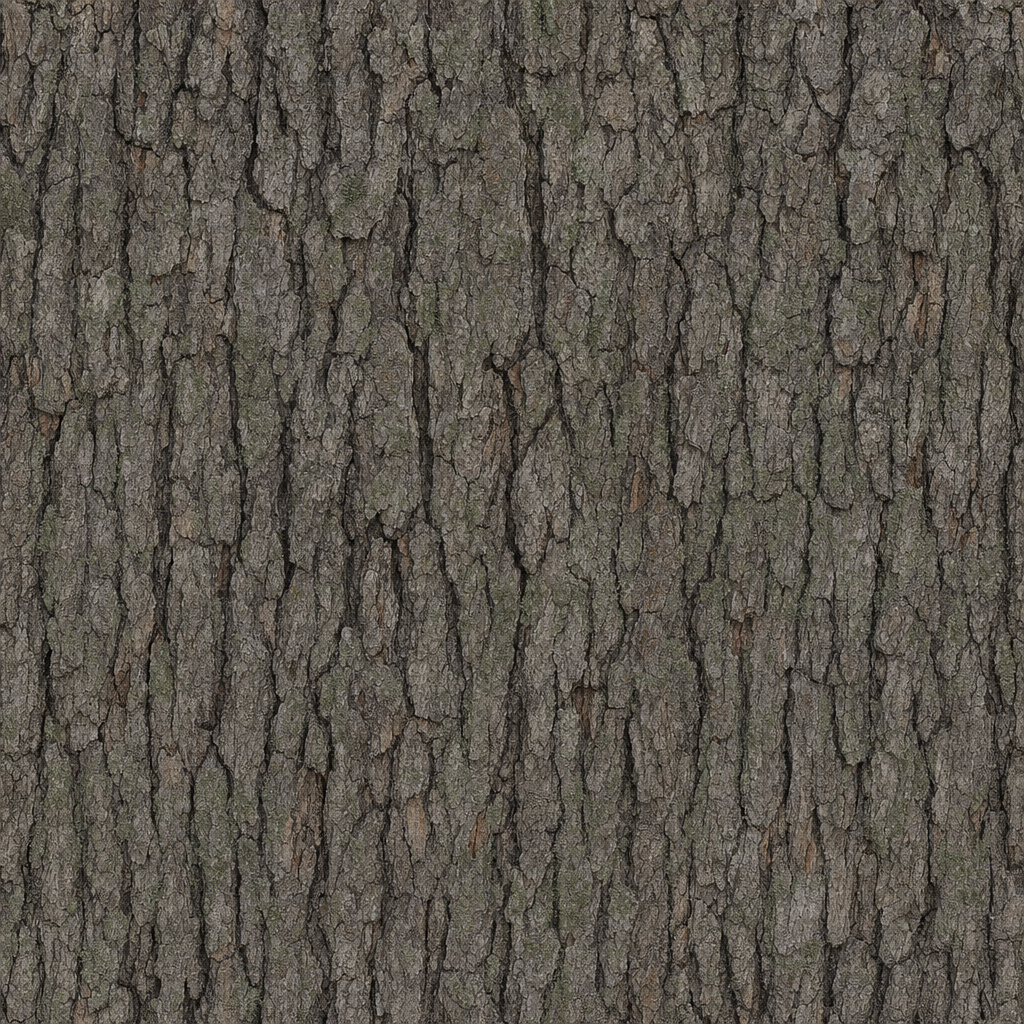
Texture library
AI texture library for game materials.
Search generated material textures, compare grouped variations, download a source PNG, or open the selected texture in the PBR map generator.
Showing 1-2 of 2 texture groups.
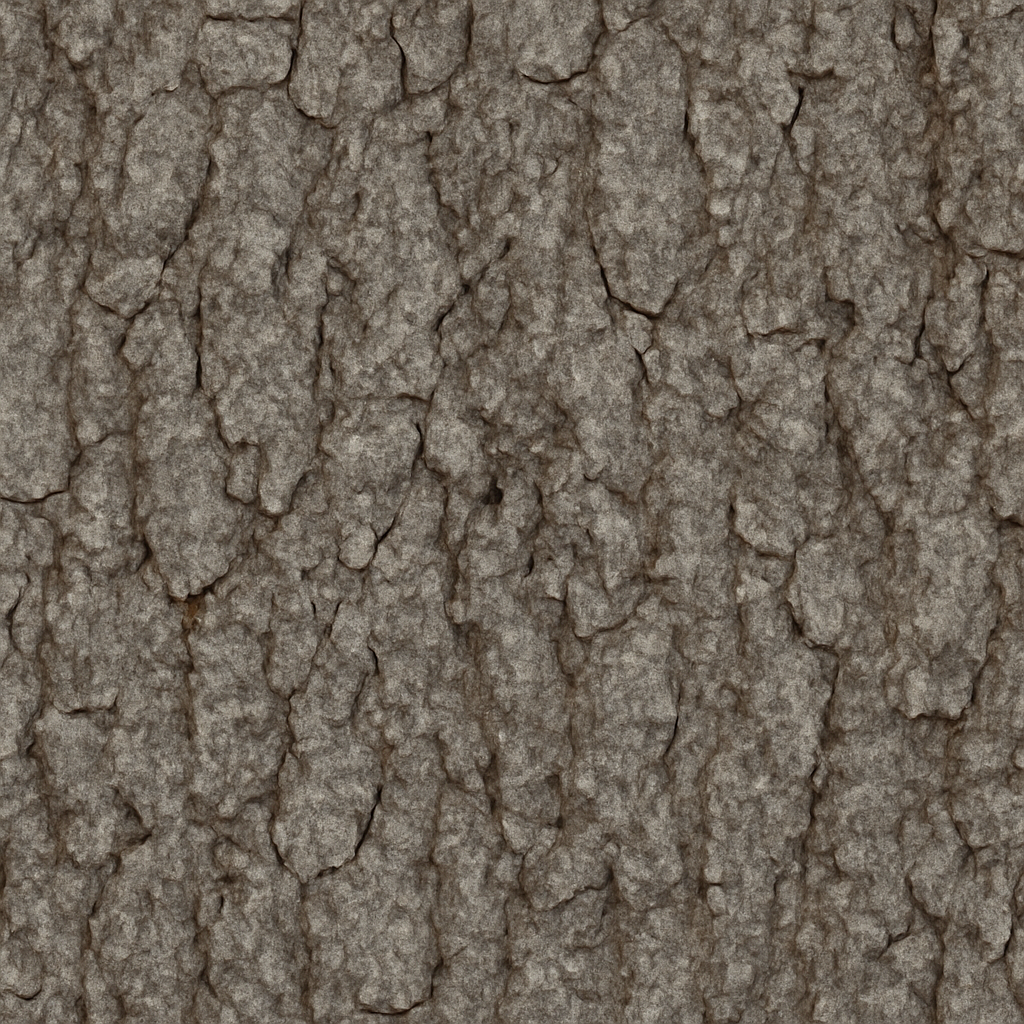
Material texture collection
Find a generated texture and continue into PBR.
The public library groups related AI texture variations so you can compare useful material directions without wading through duplicate cards. Search by material, style, creator, workflow context, or tag.
Search material textures
Filter cached textures by prompt, style, creator, generation context, or commonly used surface tags.
Compare grouped variations
Open each texture group only when needed, preview its variations, and choose the most useful source image.
Download or edit the material
Download the selected PNG, create a fresh variation, or open it directly in the PBR map generator.
Practical questions
Before you start
What textures are included in the library?
The library contains AI-generated material source textures intentionally saved to the shared cache and grouped by related prompt and style.
Can I use a library texture to generate PBR maps?
Yes. Open any available variation directly in the PBR editor to create normal, roughness, metallic, ambient occlusion, and height maps.
How are texture variations organised?
Related generations are grouped into one card. Expand the variation tray to inspect individual seeds and creators without loading every image up front.
Are bulk-uploaded business textures shown here?
No. Bulk Processor sources and outputs remain private and never enter the public Texture Library.